
Google’s Nano Banana AI: How E-Commerce Brands Can Turn AI Images Into Sales
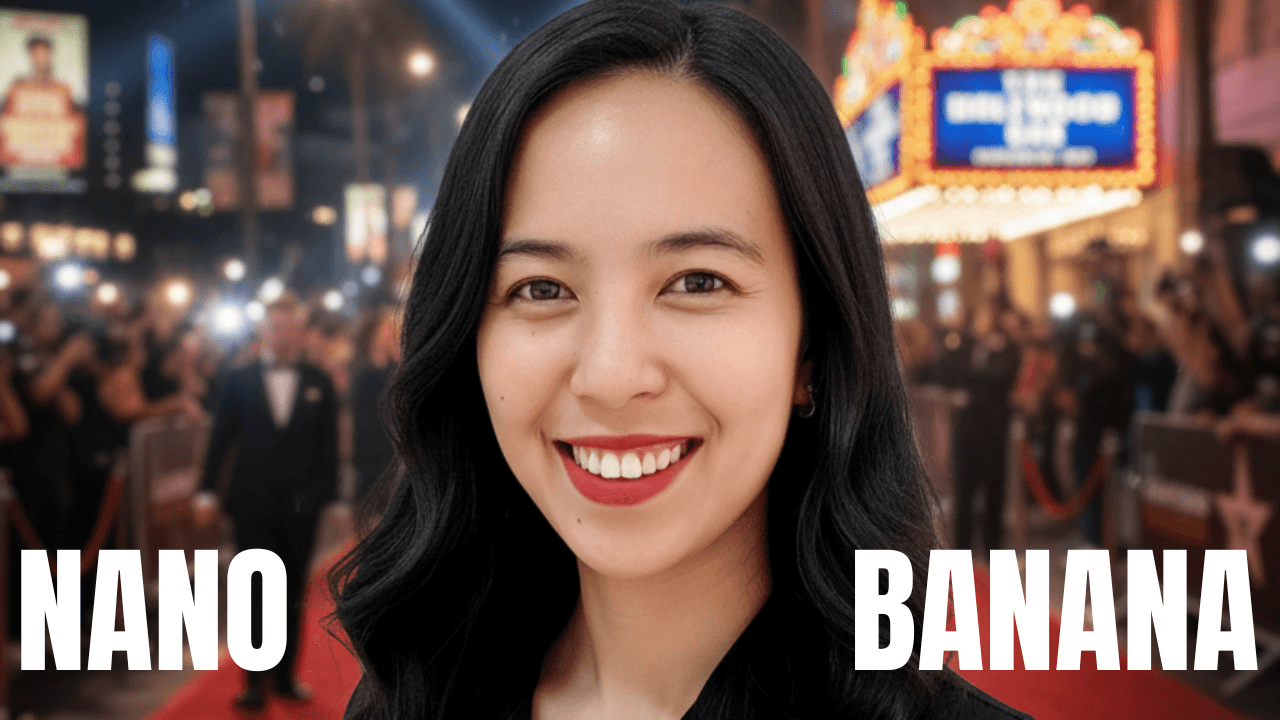
What if you could turn yourself into an action figure, stand in front of your own store, or even sail down a chocolate river — all in minutes? 🍪✈️
That’s the magic of Google’s brand-new Nano Banana AI, a powerful image generation tool built right into Gemini. And here’s the exciting part: e-commerce brands can use it to create product visuals, ads, and even shoppable videos — without the time, cost, and hassle of traditional content production.
In this article, we’ll walk through what Nano Banana is, how to use it, and why it’s a game changer for online sellers.
What is Google Nano Banana AI?
Google Nano Banana is an AI image tool that lets you:
- Generate professional-looking visuals from simple text prompts.
- Edit and refine images until they’re polished and brand-ready.
- Blend multiple images together for lifestyle campaigns.
- Even connect with Veo 3 to transform stills into short videos.
Think of it as Photoshop + Canva + a movie studio — but free, fast, and powered by Gemini.
How to Access Nano Banana
Getting started is simple:
- Go to gemini.google.com.
- Sign in with your Google account.
- No downloads, no extra apps — you can begin creating right away.
What You Can Do With Nano Banana
Here’s where e-commerce brands can start experimenting:
1. Generate Images from Text Prompts
Type in something like:
👉 “Retro sneakers in neon Tokyo background.”
You’ll instantly get product mockups or lifestyle shots you can use for product pages, ads, or social posts — without hiring a photographer.
2. Edit and Refine
Tweak colors, adjust lighting, or resize images until they’re polished. Perfect for making visuals that feel cohesive with your brand style.
3. Upload Your Own Photos
This is where it gets fun. Upload a photo of yourself or your product, and Nano Banana can reimagine it:
- Turn yourself into a brand model or mascot.
- Showcase your product in creative scenes.
- Repurpose one photo across dozens of unique campaigns.
4. Blend Multiple Images Together
Want your handbag shot in Paris, New York, or Manila? Just blend it with lifestyle backgrounds. You’ll have instant global campaign visuals.
5. Turn Still Images Into Videos with Veo 3
Here’s the real breakthrough: Nano Banana connects with Veo 3, Google’s AI video tool. This means you can transform still product photos into:
- Moving ads
- TikTok/Reels content
- Shoppable videos
All without needing a videographer.
Tips for Better Results
🔑 Be specific with prompts. Instead of “shoes,” type “high-top sneakers, cinematic lighting, Tokyo street at night.” The more detail you add, the more polished your final output will be.
Why E-Commerce Sellers Should Care
Nano Banana isn’t just a toy for creatives — it’s a growth tool for online stores.
- Product Mockups: Test designs before investing in manufacturing.
- Social Ads: Generate scroll-stopping creatives in minutes.
- Brand Storytelling: Mix lifestyle imagery with product shots.
- Shoppable Videos: With Sharelo, turn Veo clips into interactive ads where viewers can click and buy instantly.
The result? Faster content creation, lower costs, and higher conversions.
Final Thoughts
Whether you’re running a Shopify store, selling on TikTok, or just testing product ideas, Google Nano Banana AI can be your creative sidekick.
👉 Try it free on Gemini.
👉 Ready to turn those visuals into interactive shoppable videos? Explore Sharelo and see how easy it is to boost conversions.
Your next viral ad might just start with a single Nano Banana prompt.
✨ Pro Tip: Don’t just stop at creating — think about how each image or video fits into your customer journey. With Sharelo, you can embed interactivity directly into your campaigns, turning browsers into buyers in one click.
Book a Demo or Share Your Feedback
We’d love to hear from you!
Whether you're curious about how Sharelo can help your business or you have suggestions to make us better, we've made it easy for you to reach out.
👉 Watch the interactive video below to:
- Book a personalized demo
- Share your thoughts and feedback
- Ask questions directly
The Complete Toolkit: Turn Every Touchpoint Into a Conversion Opportunity
As a content creator and marketer, I personally use these tools to create organic content and grow my audience. Check out how I use these tools with detailed reviews and demos on my blog section, where I share actionable tips to help startups build a strong online presence—even without a huge marketing team.
Summary of Sales and Marketing Tools
Screen Recordings That Actually Sell Your Product
Gone are the days of boring product demos. Create video walkthroughs that prospects can't stop watching – and that drive them to take action.
Top Tools for High-Converting Screen Recordings:
Video walkthroughs are a powerful way to showcase your product’s value. Tools like Loom, Tella, Descript or CapCut allow you to create clear, engaging screen recordings—like a personal demo your audience can watch anytime.
Tool #1: Tella (AI-Powered Screen Recording Tool)
How I use Tella to record YouTube vids, demos, tutorials and courses
Visit my YouTube channel for more Tella vs Loom comparison videos.
Create beautiful screen recordings that engage viewers and transform hours of editing into minutes.
Features that matter:
- AI Magic Trim that automatically removes buffers, awkward pauses and filler words.
- Auto Zoom for perfect focus on key details
- Auto Layouts to make editing faster and and keep viewers engaged (Watch Auto Layout demo here)
- Collaborative editing for team efficiency (Watch collab editing video here)
- Beautiful backgrounds that make you look professional
- Edit Vertical videos
- Export in 4k
- 30% Discount
Perfect for creating any video content and product demos, tutorials, and online courses that prospects actually finish watching.
More resources about Tella:
1. Tella vs Loom Pricing comparison
2. Best tool for content creators
3. Loom vs Tella 2025 Review
4. Edit like Deya or Ali Abdaal using Tella
5. Complete Tella honest review
Tool #2: Descript (Audio and Video Editing Made Simple)
Write your script, and your video edits itself. The simplest way to create polished product walkthroughs without the learning curve.
Tella vs Descript
Tool #3: CapCut (Free, Easy-to-Use Editing for Web and Mobile)
Capcut is one of the best free video editing tools out there and best for social media. Learn how to use CapCut in the video below.
How to record screen on CapCut
Learn CapCut Desktop in 10 minutes
CapCut Mobile for Beginners
Pro Tip: Combine any of these tools with Sharelo to make your recordings interactive. Add clickable choices, capture viewer data, and turn passive watchers into active prospects.
Tool #4: Dub (Simplify Your Links with Modern URL Shorteners)
Stop guessing which marketing efforts drive results. Dub (the free Bitly alternative) gives you the insights you need:
- Track click-through rates in real-time
- Optimize campaigns based on actual data
- Create branded short links that build trust
- Streamline your entire link workflow
Bitly vs Dub Which Link Shortener Is Better
Tool #5: Cal (Scheduling That Doesn't Break the Bank)
Cal.com delivers everything Calendly does – without the recurring fees eating into your profit margins. Free scheduling that actually scales with your business.
Tool #6: Sharelo (Video Commerce and Interactive Platform)
Sharelo is a free interactive video and commerce platform that you can use to generate leads and create shoppable video feeds and carousels—perfect for boosting sales in your online business.
How to Create Interactive Video for Free with Sharelo
Ready to See Real Results?
Every tool mentioned here works 10x better when combined with Sharelo's interactive capabilities.
Your next step: Watch our interactive demo above and discover how businesses like yours are closing more deals with less effort.
Need more inspiration? Check out our Sharelo YouTube channel or my YouTube channel (Novie Dizon) for advanced strategies and real-world case studies.
Al revisar camisetas de fútbol para entretiempo, conviene empezar por la talla, el material y el uso previsto. Una revisión final debería incluir que la descripción coincida con las fotografías y las opciones seleccionadas.